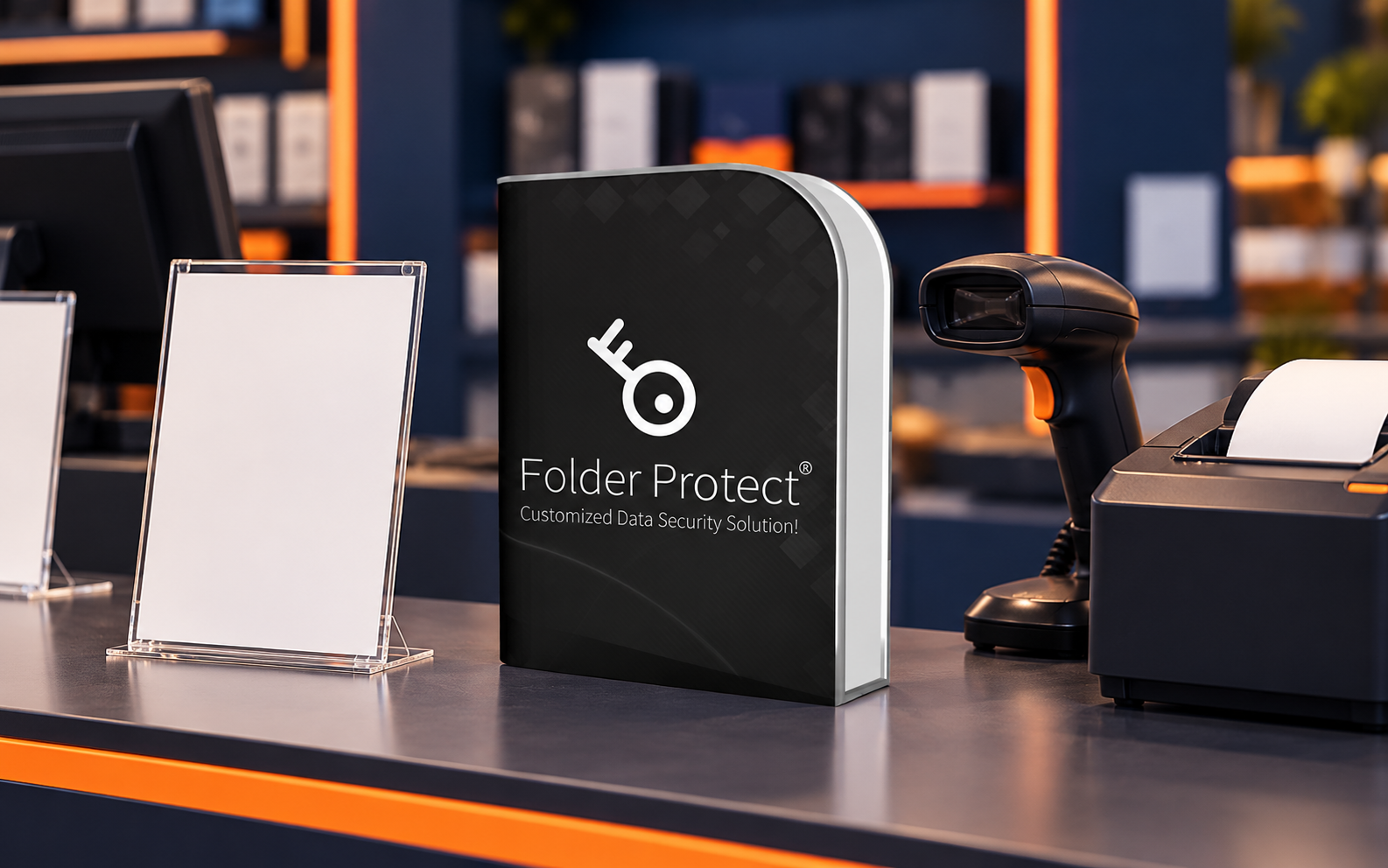
01 / PRODUCT FIT
Use it for a bounded restriction job
Folder Protect may help reduce unauthorized writing, deletion, movement or access for selected files and folders on a tested Windows environment. For a POS price master, that can support the released-file layer after the authoritative source, working-copy path and approval process already exist.
File restrictions are not encryption, identity governance, commercial approval, version control, backup, malware protection or proof that the POS imported the correct prices.
02 / PILOT TEST
Test before operational use
- 01
Confirm the current official product, Windows requirements and documented restriction options.
- 02
Create a disposable folder that mirrors the intended master and working-copy structure.
- 03
Test No Write, No Delete, No Access and movement behavior separately with representative accounts.
- 04
Verify that approved publishing, automated imports, backups and restore tests still work.
- 05
Document removal, emergency access and recovery behavior before applying controls to the master.
03 / INTERFACE VIEWS
Inspect every relevant control
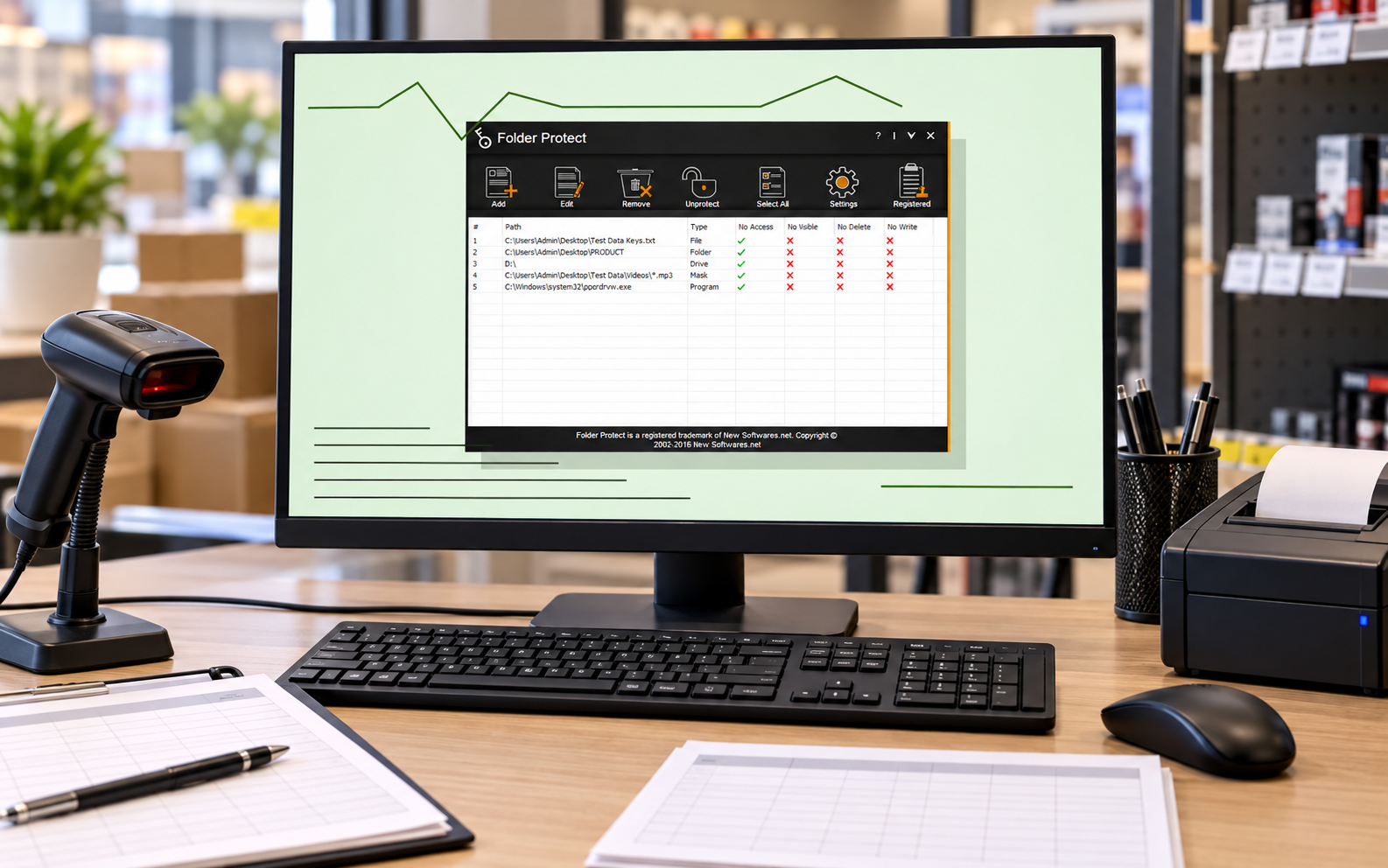
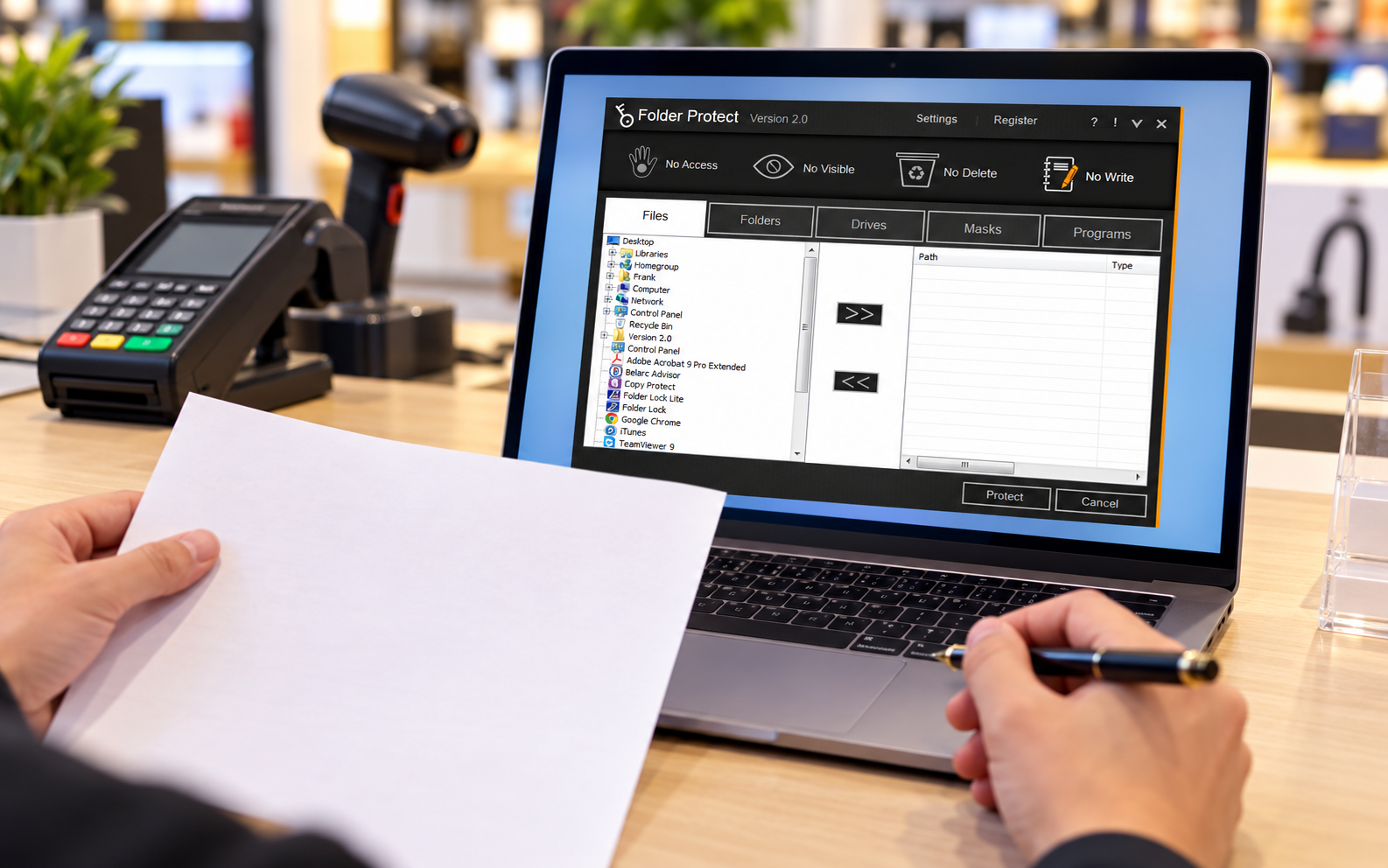
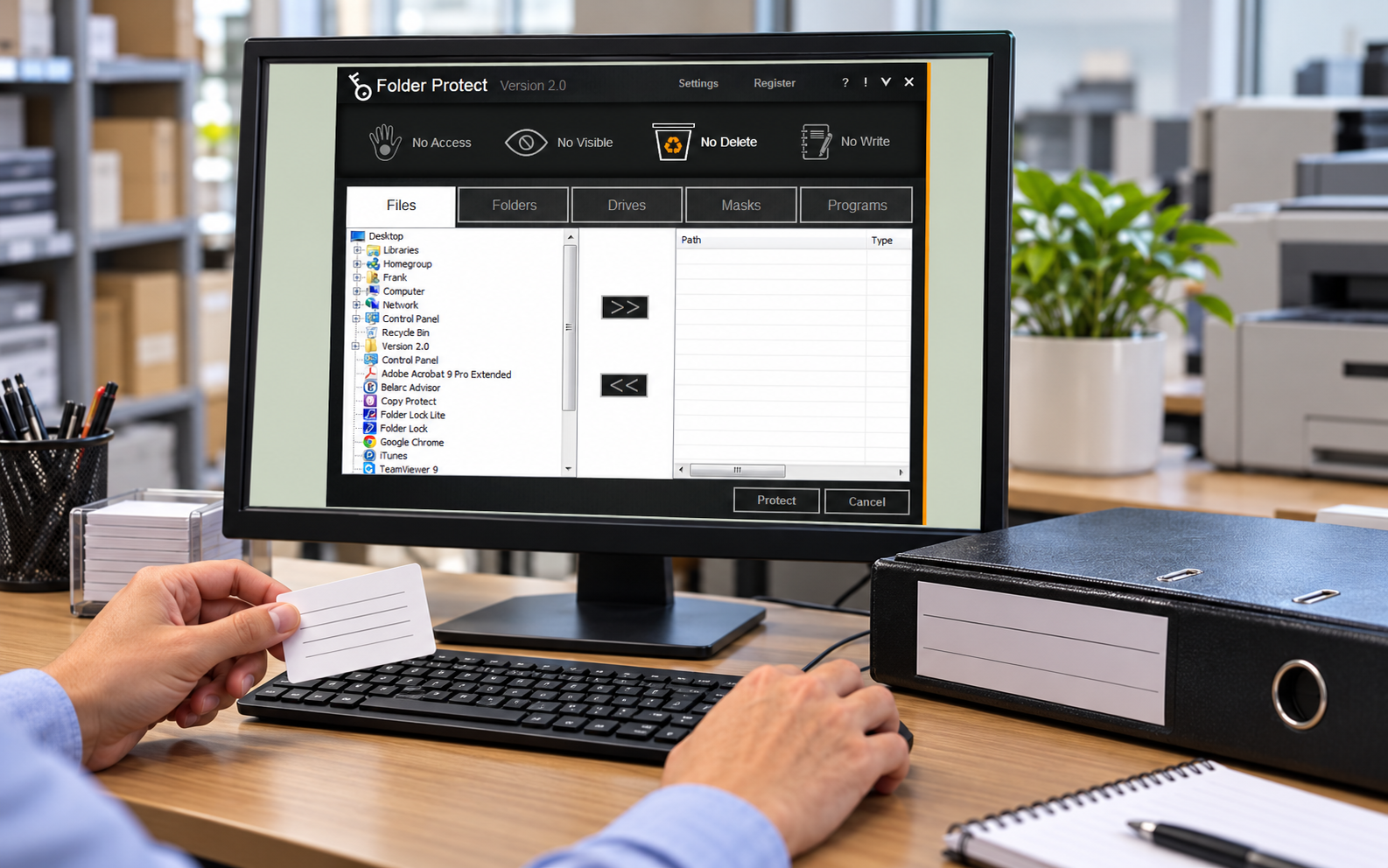
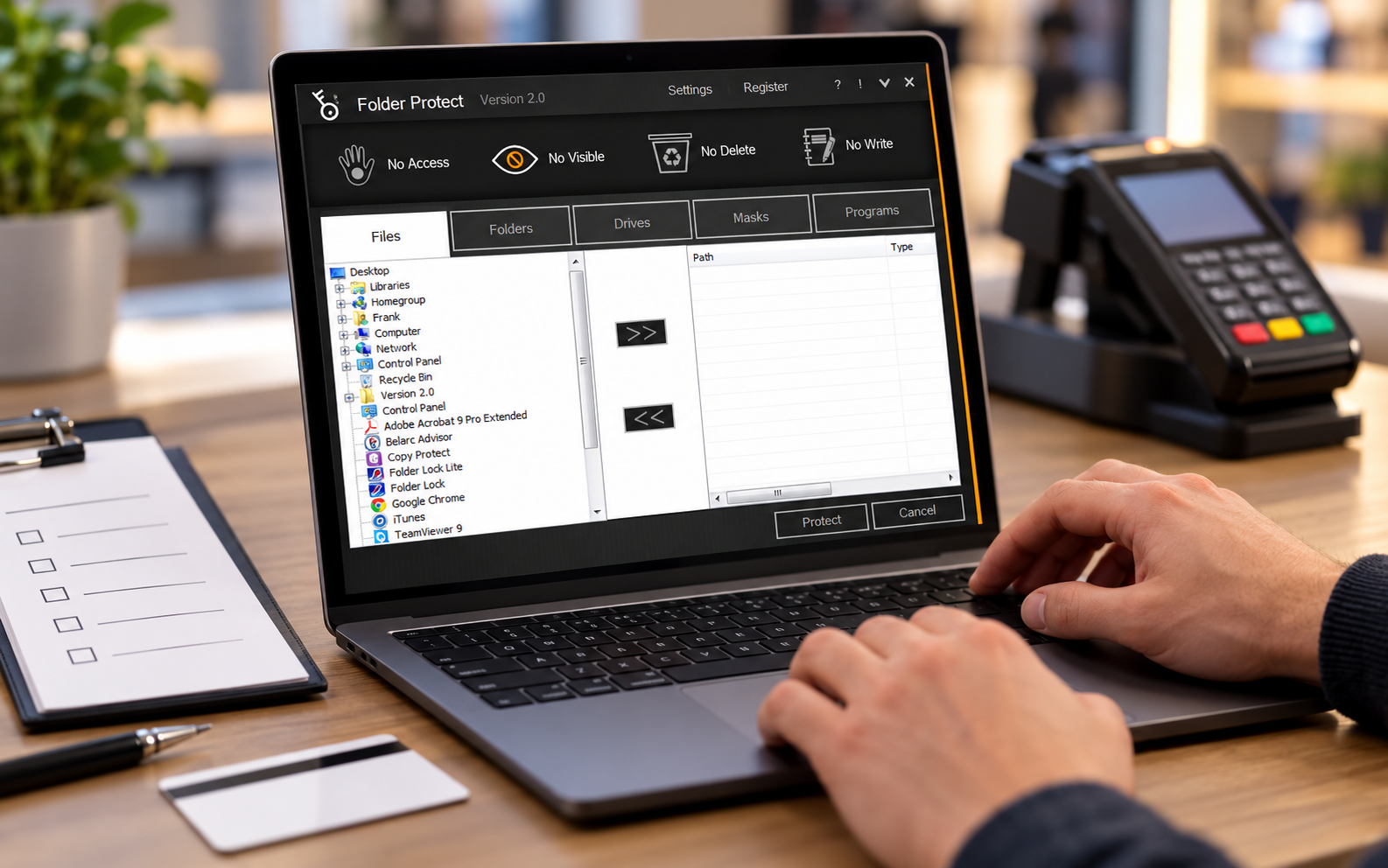
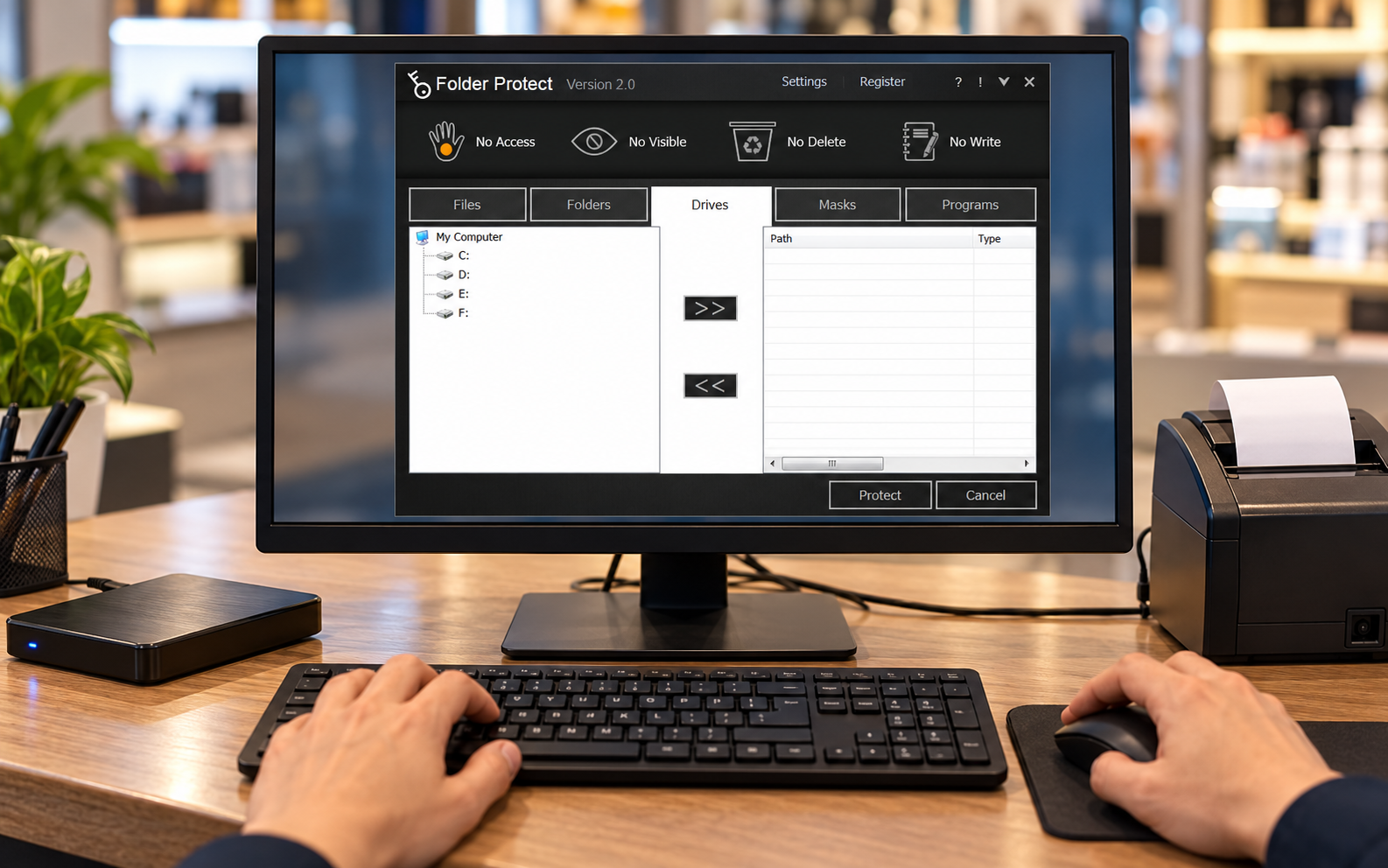
04 / LIMITS
Keep governance around the product
Folder Protect should sit inside a documented workflow rather than become the workflow. The retailer still needs a named price owner, controlled working copies, business approval, version evidence, a separately restorable backup and confirmation that the POS consumed the intended artifact. Test current product behavior with the exact Windows version, storage path, accounts and services involved. A protection badge or hidden file does not establish confidentiality against every administrator, offline copy, backup, malware event or recipient. Preserve recovery instructions outside the protected path and confirm that emergency access is owned, time-limited and reviewed.
After each release, compare the version and cryptographic hash with the approved artifact, confirm the downstream import result, close temporary access and retain the previous approved version according to policy. Re-run the pilot after product, Windows, identity, folder, drive or POS changes. Include the pricing administrator, Windows administrator, store support owner and recovery owner in that retest so one successful account does not hide a blocked service or excessive privilege. Capture screenshots only when they contain no live prices, credentials, customer records or commercially sensitive store information, and retain the test record under policy. If the requirement includes centralized audit, managed identities, multi-person approval, tamper-evident version history or enterprise recovery, choose controls designed for those needs rather than making broader promises about a desktop restriction tool.
05 / QUESTIONS
Product questions
Does Folder Protect encrypt the price master?
Do not assume so. Treat access restriction and encryption as separate capabilities and verify the current official documentation.
Can it replace version control or backup?
No. Maintain version evidence and a separately controlled, tested backup.
06 / SOURCES
Primary references
- NewSoftwares: Folder Protect product information
- NewSoftwares: Folder Protect how-to documentation
- Microsoft: Access Control overview
- NIST SP 800-53 Rev. 5
Supplied visuals may show a legacy release. Verify the current release and documentation before use.